

Home / Guide
L100 Quick startHow to use L100,
on one page
There is no power button. Attach the cold head and it turns on; lift it off and it turns off. Everything else runs through a single M button. Standard and Pro differ in one place only: Mode 3.
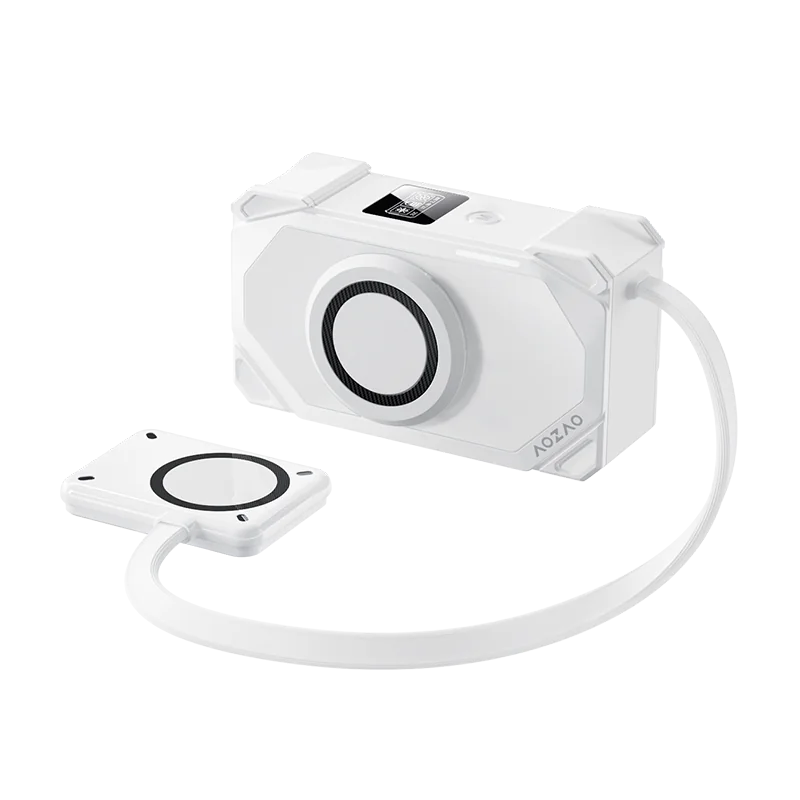
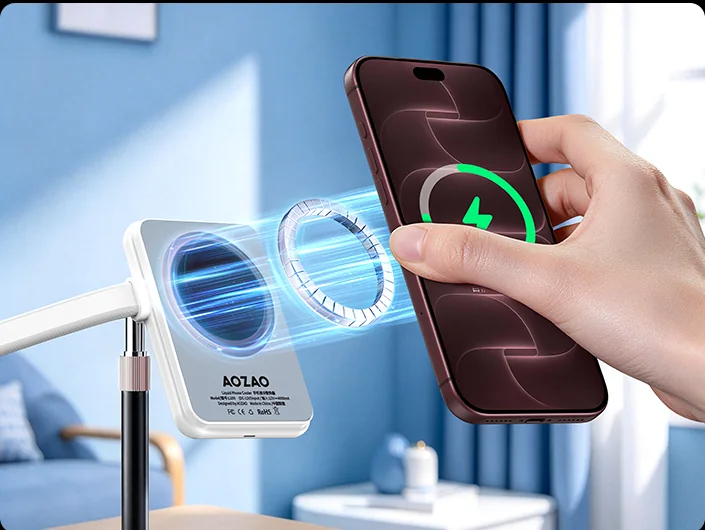
Attach it. That's the power button.
Attach the cold head magnetically to the back of a bare iPhone. It powers on by itself, starts charging after about 5 seconds and enters Mode 1. Lift it off and it powers down after about 5 seconds — no manual switch-off.
The M button cycles modes
Press M to step to the next mode. After the third it loops back to the first.
Mode 1 → Mode 2 → Mode 3 → back to Mode 1 → …
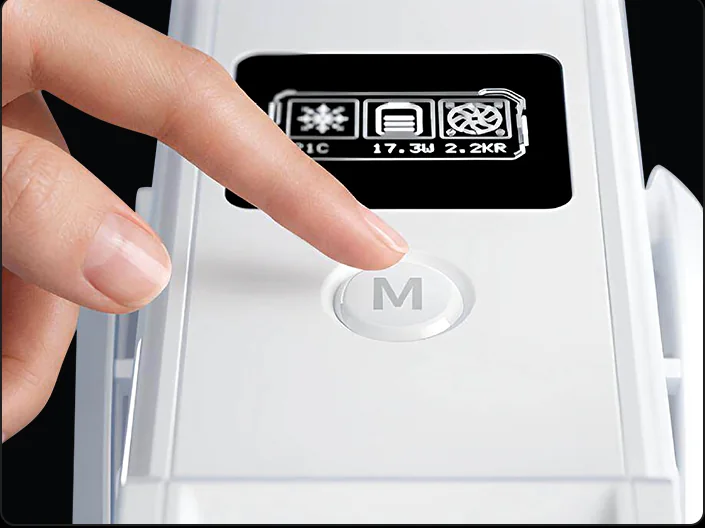
Three modes
Modes 1 and 2 are identical on both versions. Only Mode 3 differs — about 21 °C on Standard, down to about 3 °C on Pro.


Screen shows the Pro version. On Standard, Mode 3 runs at about 21 °C — Modes 1 and 2 are identical on both versions.
| Mode | Screen temp | Charging |
|---|---|---|
| 1 | approx. 28 °C | Charging |
| 2 | approx. 21 °C | Charging |
| 3 | approx. 21 °C | No charging |
Modes 2 and 3 run at the same temperature (about 21 °C). The only difference is that Mode 3 does not charge.
| Mode | Screen temp | Charging |
|---|---|---|
| 1 | approx. 28 °C | Charging |
| 2 | approx. 21 °C | Charging |
| 3 | approx. 3 °C | No charging |
Mode 3 reaches about 3 °C — colder than Mode 2 (about 21 °C).
Screen temperatures are approximate ranges, varying with ambient temperature and phone load — not fixed values. The screen shows Celsius only (Fahrenheit = Celsius × 1.8 + 32).
Picking a mode
Everyday charging and streaming.
Gaming; also for streaming when 28 °C is not cold enough.
When you need it colder, and when the phone stops charging at 80%. (Standard: about 21 °C.)
Five things to know
Bare phone only
Remove thick or metal cases. Attach directly to the phone — otherwise cooling and charging both suffer.
Mode 3 does not charge
Modes 1 and 2 charge. Mode 3 does not, so battery level will slowly drop.
Stopping at 80% is normal
iPhone stops charging at 80% as battery protection. That is not a fault.
Keep the vents clear
Do not block the intake on the host unit, or heat dissipation drops and temperatures drift.
Still have questions?
Specifications live on the product page. Anything else, talk to us.